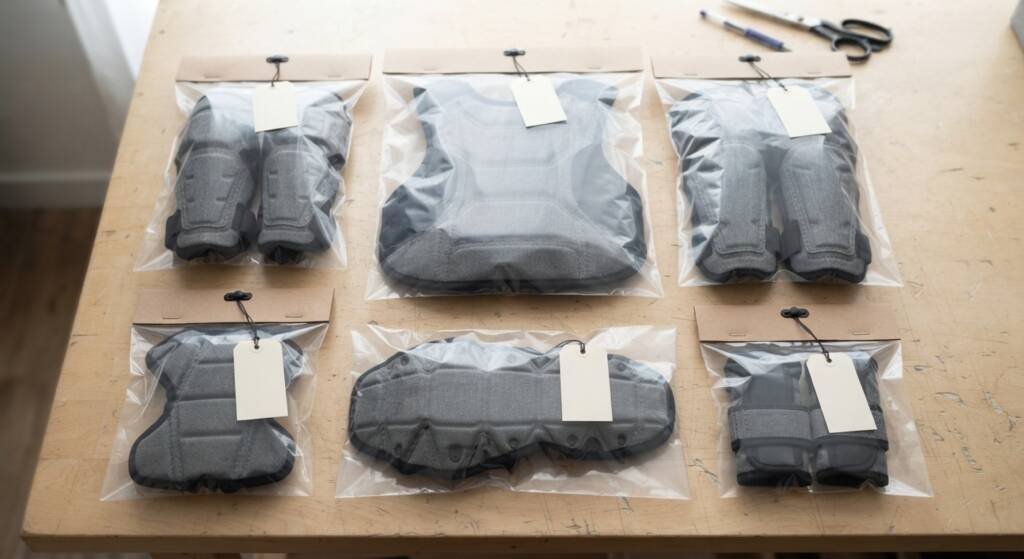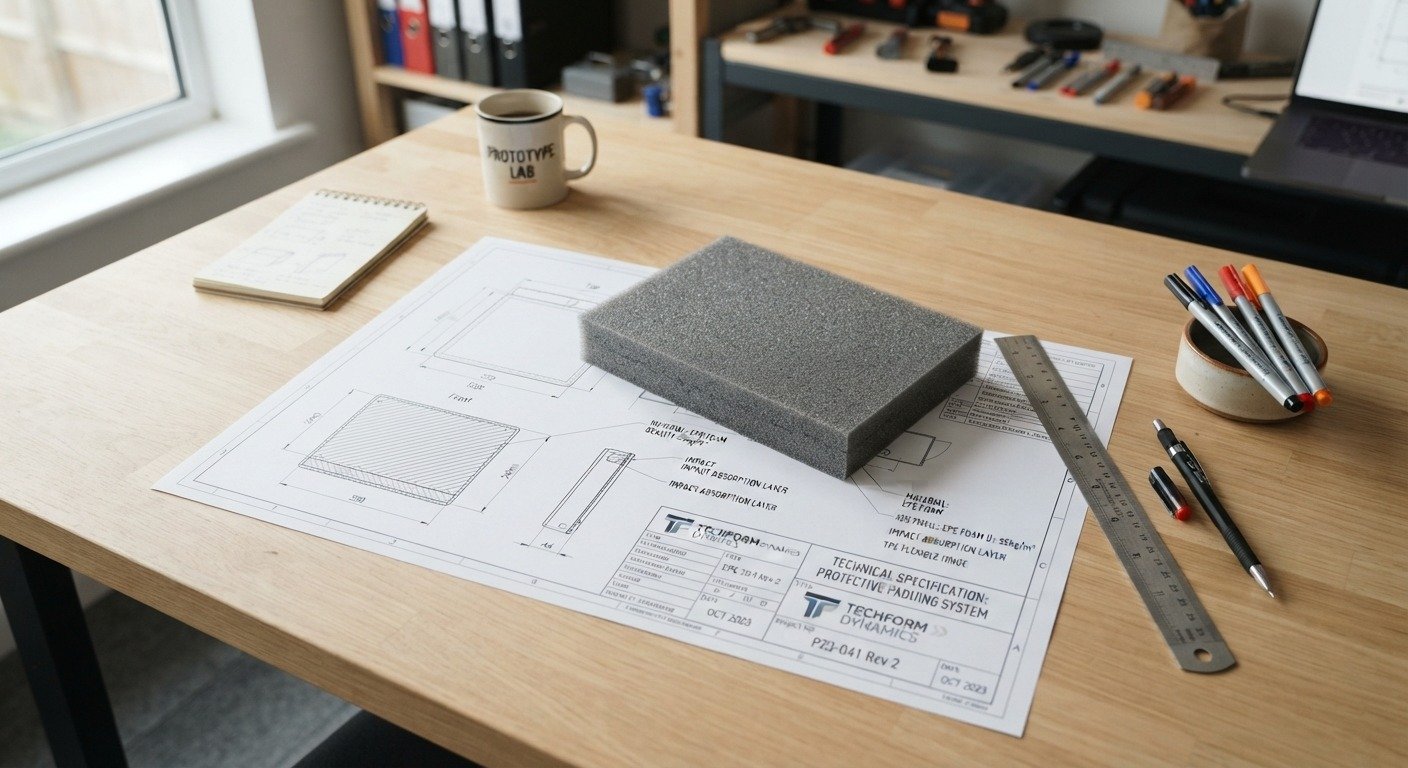
A protective gear tech pack is a document that tells a manufacturer exactly how to make your product, from the shape of each pad to the stitching, packaging and testing. If you plan to launch knee pads, shin guards, armor inserts or padded clothing, a clear protective gear tech pack is the fastest way to get a correct quote, a correct sample and a consistent bulk order. This guide explains what a tech pack is and the 8 essential items to include.
Table of Contents
What Is a Protective Gear Tech Pack?
A tech pack, short for technical package, is a set of drawings and specifications that describe a product in detail. A protective gear tech pack does the same for items such as pads, armor, guards and padded garments.
Think of it as the instruction manual for your product. It is written for the people who quote, cut, sew, mold, assemble and inspect your goods. The better the manual, the fewer questions and mistakes you will face later.
Why a Tech Pack Matters for Protective Gear
Protective products have more details than most garments or accessories. A few millimeters of thickness or a different foam density can change how a pad feels and performs. A protective gear tech pack helps you in four ways:
- Accurate quotes: the factory knows exactly what to price.
- Faster samples: fewer questions means less waiting.
- Consistent bulk orders: every batch follows the same written reference.
- Clear communication: you and the factory share one document instead of scattered messages.
8 Essential Items to Include in Your Protective Gear Tech Pack
Use these eight items as the backbone of your protective gear tech pack.
1. Product Overview and Purpose
Start with a short description: what the product is, who uses it and what it should do. For example, a knee pad for work trousers, or a shoulder insert for a motorcycle jacket. Add the target market and your price level, since both affect material choices.
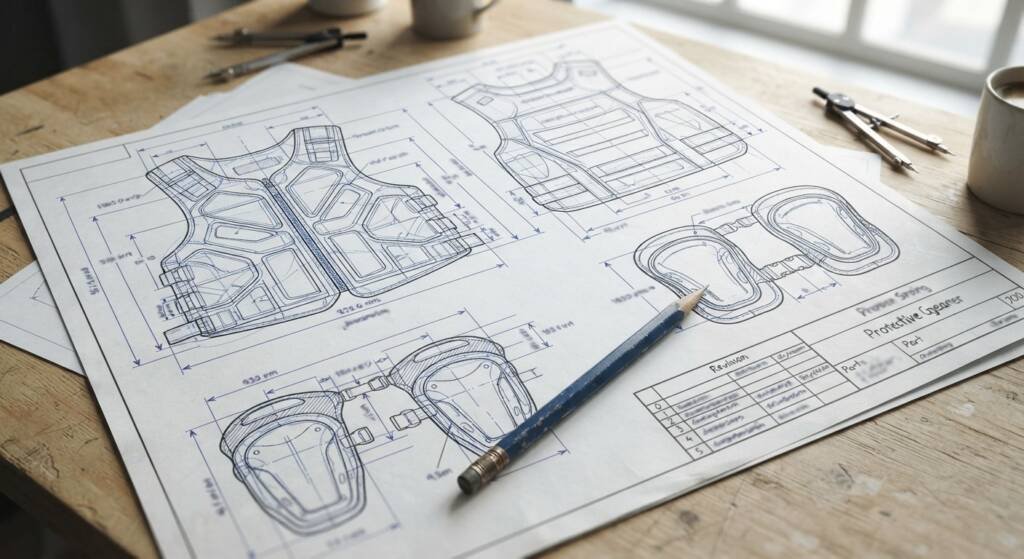
2. Technical Drawings With Dimensions
Provide front, side and back views, with measurements for length, width and thickness. Mark holes, cut-outs, curves and edges. If you are new to the format, the Technical drawing page on Wikipedia explains the basics. Send the drawing as a PDF, and add editable files such as DXF or DWG if you have them. If you only have a sketch or a reference product, say so, and the manufacturer can help you turn it into a drawing.
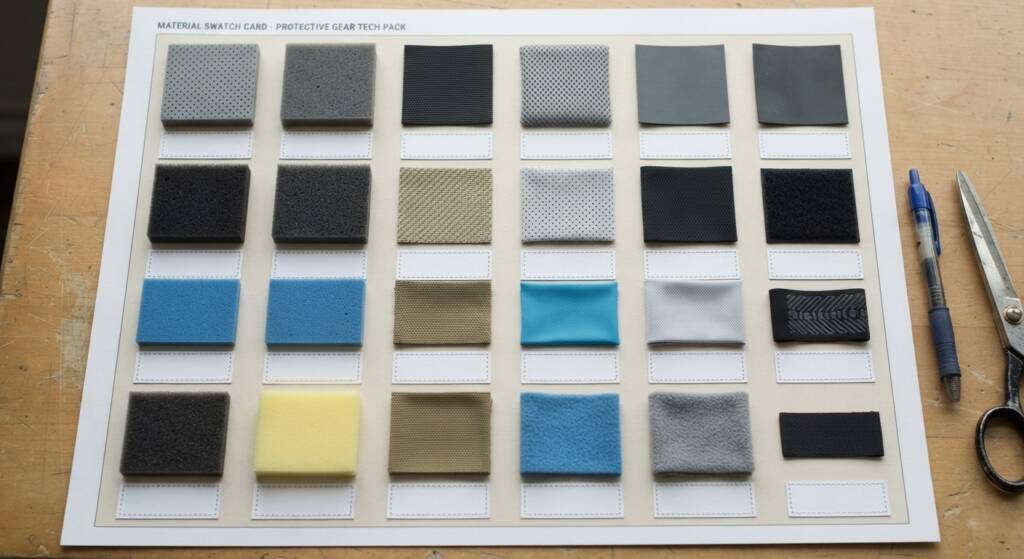
3. Materials List
List every material: foam type, density, hardness and thickness, plus shells, fabrics, straps, foam adhesives and trims. Give a reason for each choice if you can. Not sure which foam fits? Read our EVA foam density, thickness and hardness guide or ask about our material selection service.
4. Construction Details
Explain how the parts come together: where pads sit, how layers are stacked, how pieces are stitched, bonded or inserted, and how edges are finished. Show stitch type and seam allowance for sewn items. Construction notes are where many samples go wrong, so be specific.
5. Colors, Branding and Logo Placement
Give color codes (Pantone references work best), the logo files, the logo position and size, and the printing or embroidery method you want. Mention any special finishes, such as embossing or reflective details.
6. Sizing and Fit
Include a size chart with measurements for each size, and notes on how sizes scale from small to large. For wearable gear, add the body areas the product must cover and how it should sit.
7. Packaging and Labeling
Describe how each piece is packed: polybag, box or hang tag. Add the label text, care instructions, barcode needs and the carton size, weight and quantity per carton. Packaging affects freight cost, so decide it early.
8. Quality and Testing Requirements
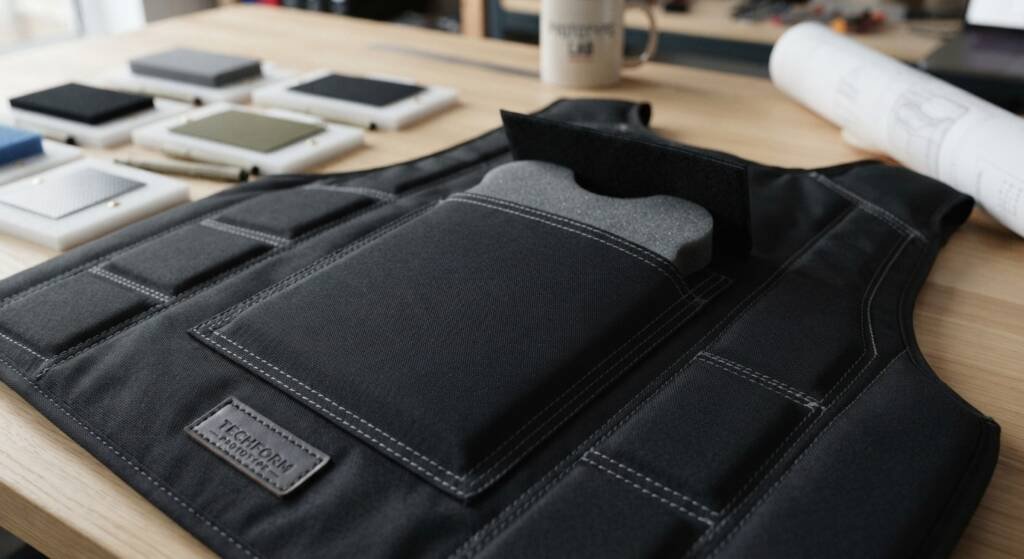
State your tolerances, such as acceptable variation in thickness or size, and the checks you expect. If your product must meet a standard, name it and ask the factory what testing it can support. Be careful with claims: a pad is only certified when the finished product has been tested to the relevant standard.
Protective Gear Tech Pack Checklist
Use this table to check your protective gear tech pack before you send it:
| Section | What to include | Done |
|---|---|---|
| Overview | Product, user, purpose, price level | |
| Drawings | Views, dimensions, thickness, cut-outs | |
| Materials | Foam, shell, fabric, trims, specs | |
| Construction | Layers, stitching, bonding, edges | |
| Branding | Colors, logo files, position, method | |
| Sizing | Size chart, fit notes | |
| Packaging | Pack type, labels, carton data | |
| Quality | Tolerances, tests, standards |
File Formats and Organization
Keep your protective gear tech pack in one folder or one PDF, with a clear name and a version number, for example kneepad-techpack-v3. Send logo and artwork as vector files (AI, EPS or PDF). When you change anything, update the version number and tell the factory what changed. This prevents samples being made from an old version.
How a Manufacturer Uses Your Tech Pack
The factory uses your protective gear tech pack to quote the job, to choose materials, to make tooling or patterns, and to build the sample. After you review the sample, you send feedback in writing, and the tech pack is updated. Once approved, the final tech pack becomes the reference for bulk production and quality checks. See how our manufacturing and production process works.
What If You Do Not Have a Full Tech Pack Yet?
Many first-time brands start with a sketch, a reference product or a photo. That is fine. Send what you have, along with the size, material ideas and quantity, and ask the manufacturer what is missing. Building the tech pack together during the sample stage is common, as long as the final version is written down.
Common Mistakes in a Protective Gear Tech Pack
- Missing thickness or density, which leads to a pad that feels wrong.
- No tolerances, so nobody knows what is acceptable.
- Mixed versions, where samples are made from old files.
- Vague branding notes, such as ‘logo on front’ without size and position.
- Ignoring packaging, which changes freight cost late in the project.
Protective Gear Tech Pack FAQ
What is a tech pack? A tech pack is a document with drawings and specifications that tells a manufacturer exactly how to make a product.
Do I need a tech pack to get a quote? Not always. A sketch, a sample or a reference product can be enough for a first quote, but a full protective gear tech pack gives a more accurate quote.
What should I put in the materials section? List each material with its type, density or grade, thickness and color, for example the foam, the shell, the fabric and the trims.
What file format should I send? A PDF is best for reading, with vector files (AI, EPS) for logos and DXF or DWG for shapes if you have them.
Send Your Protective Gear Tech Pack to Kinetic Impex
Kinetic Impex is a manufacturer in Sialkot, Pakistan. Send your tech pack, sketch or sample on our Get a Quote page, or see our custom EVA foam pads.